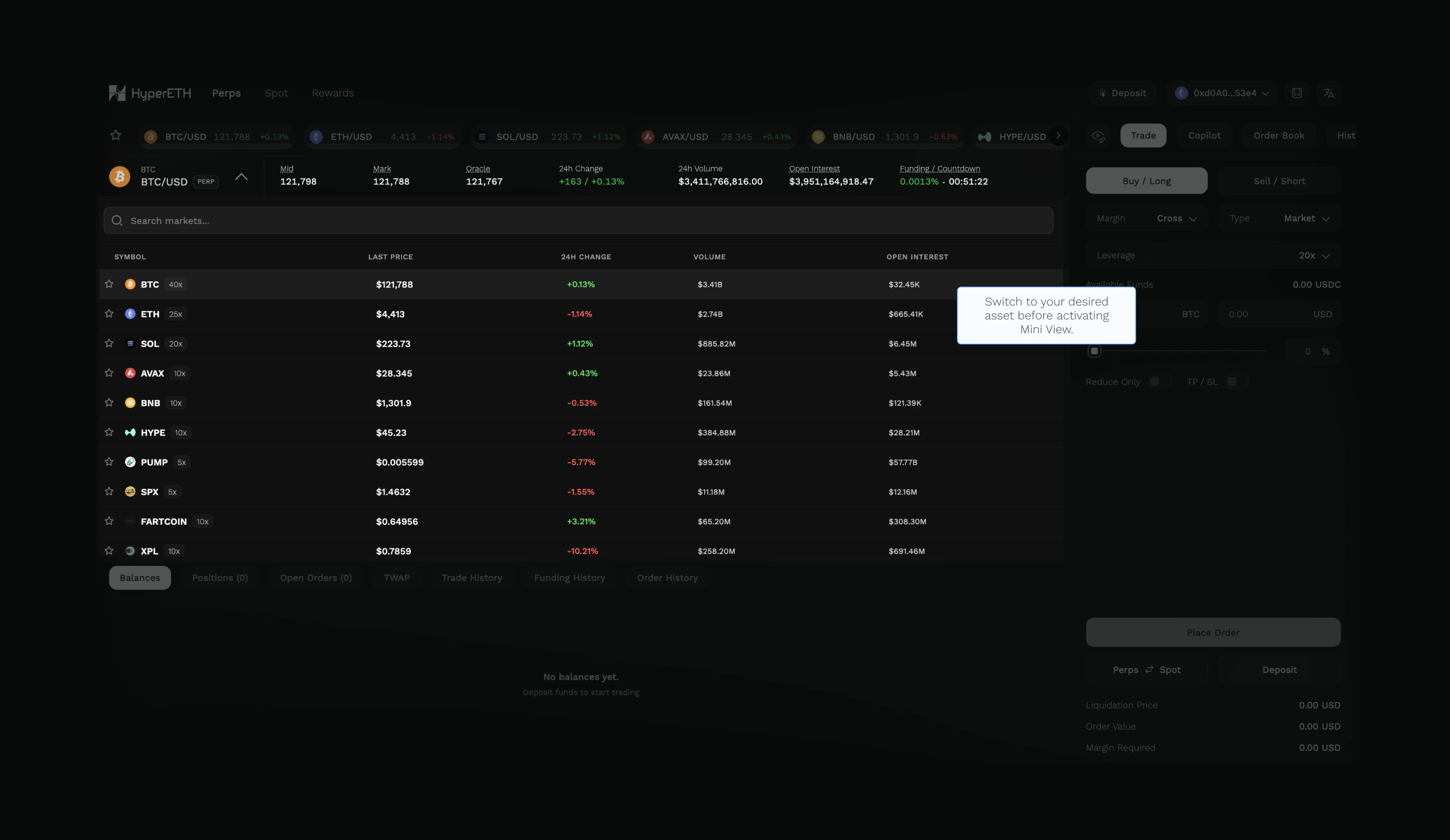
Display Preferences
By default, the Order Book and History tabs are combined with the Trade tab in a single view.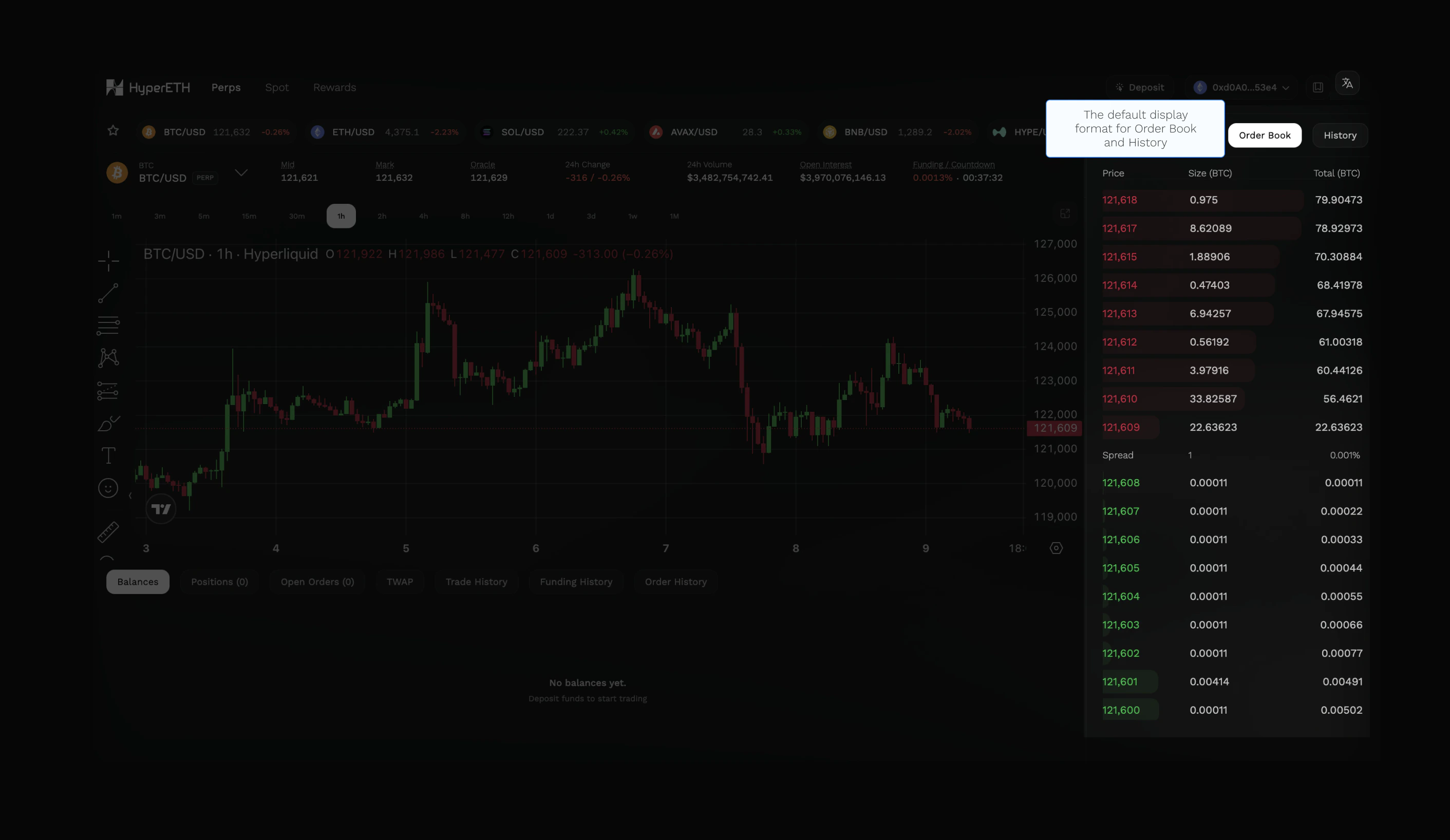
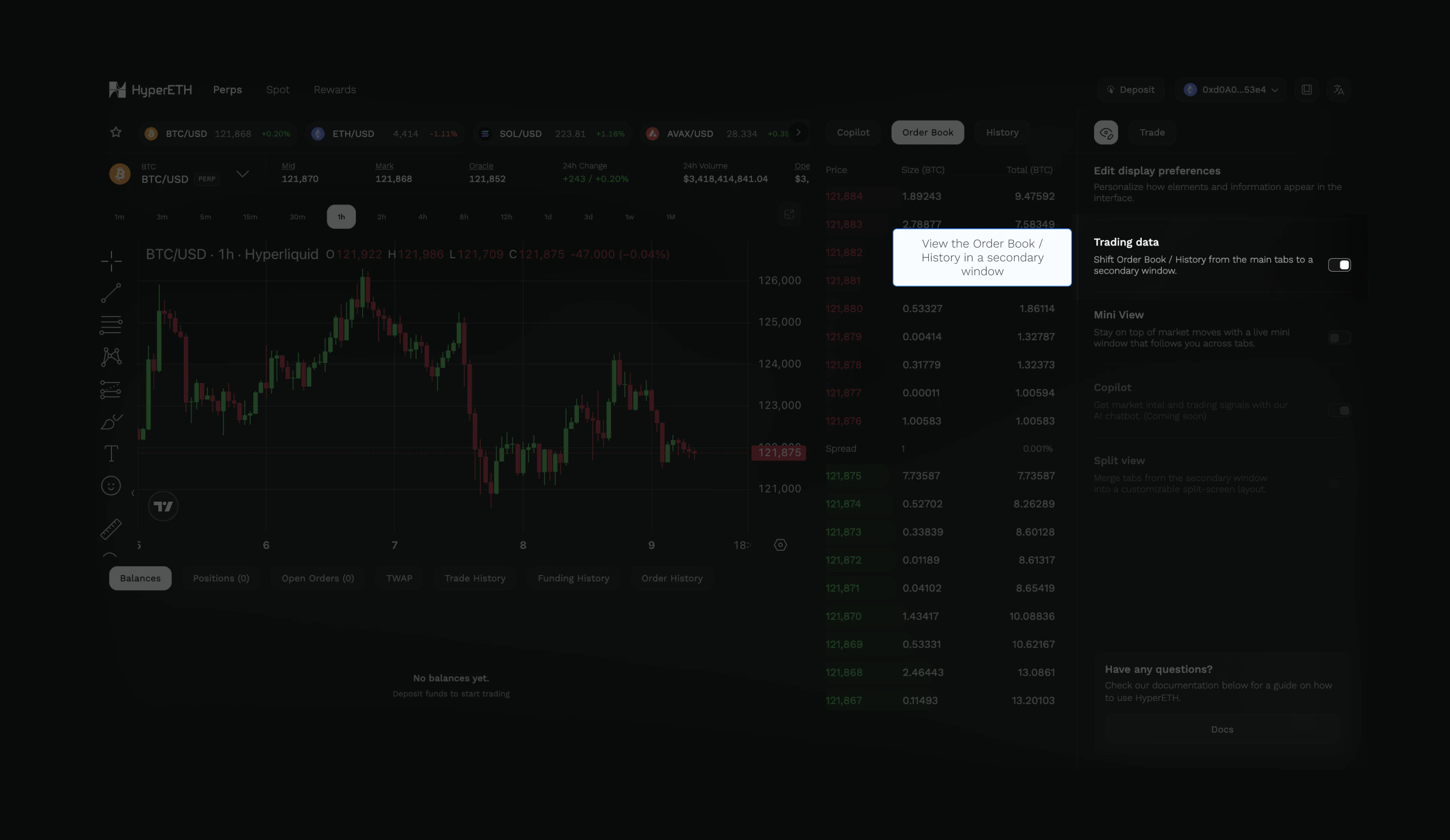
Trading data menu and toggle the option to move both the Order Book and History tabs to a secondary window.
Mini View
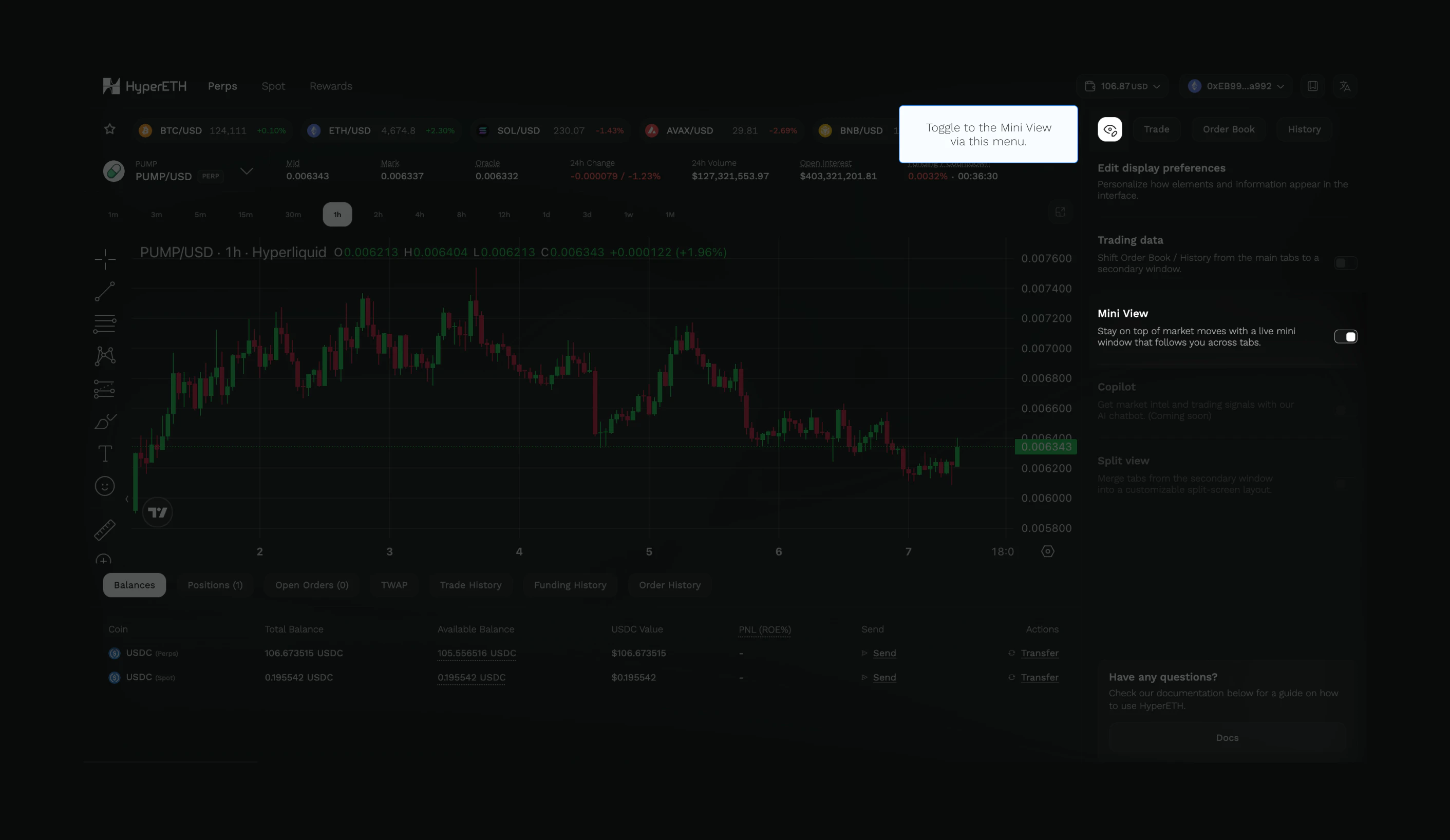
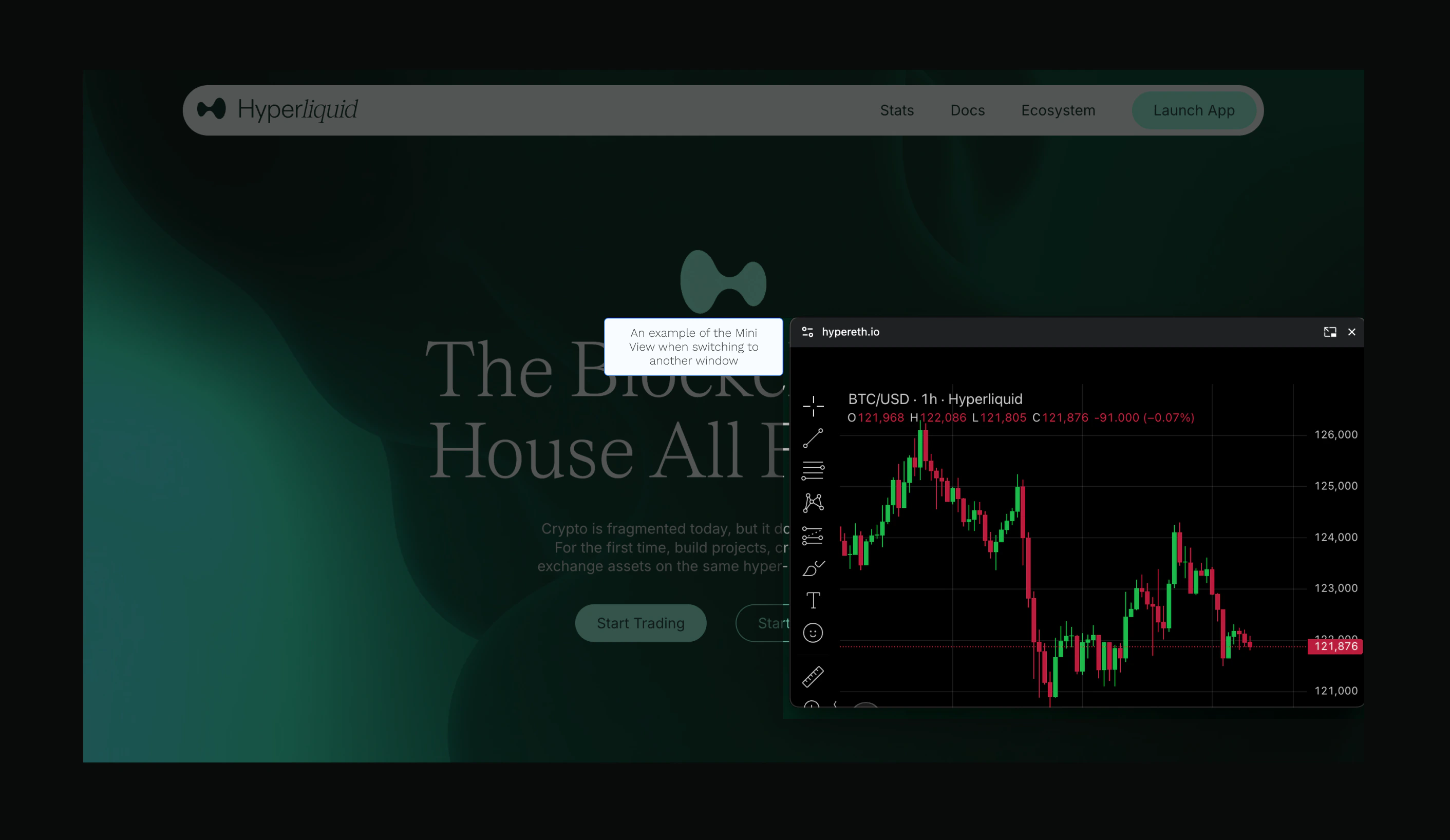
HyperETH’s Mini View is a floating window that appears as a compact overlay on your screen. Users can continue to stay updated with the latest market moves even while switching between tabs or using another application on the desktop. To activate Mini View, navigate to theEye symbol on the screen and toggle the option.
- Return to the Web Terminal
- Select the desired asset before switching to another window